
iPhone, iPad & Android
ClassPing: your week, made clear
ClassPing puts the UMT School of Systems and Technology MS/PhD timetable on your phone and reminds you before every class you attend. It's free, works offline and keeps everything on your device.
Coming soon to the App Store and Google Play
Unofficial app. ClassPing is built and managed independently by Ayesha Iftikhar, a UMT student. It is not affiliated with, endorsed by or operated by the University of Management and Technology. Always confirm class dates, times and rooms with official UMT announcements.
What it does
Pick your sections
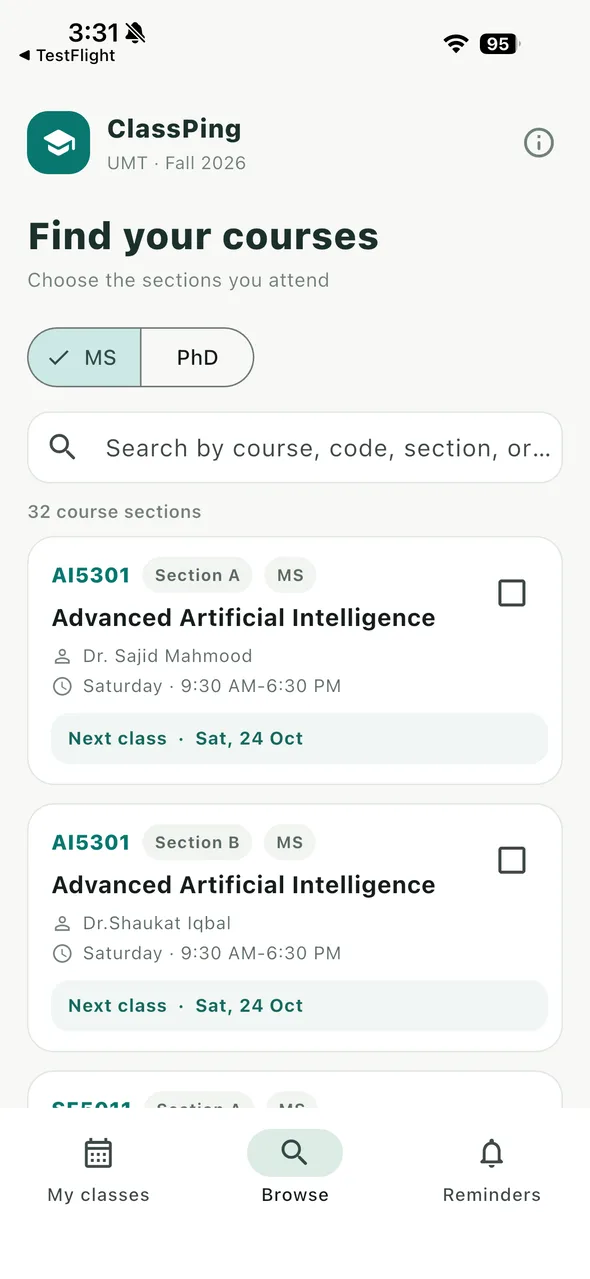
Browse the Fall 2026 MS and PhD timetable and search by course name, code, section or instructor. Every section and instructor is listed separately, so you choose exactly the ones you attend.
See what's next
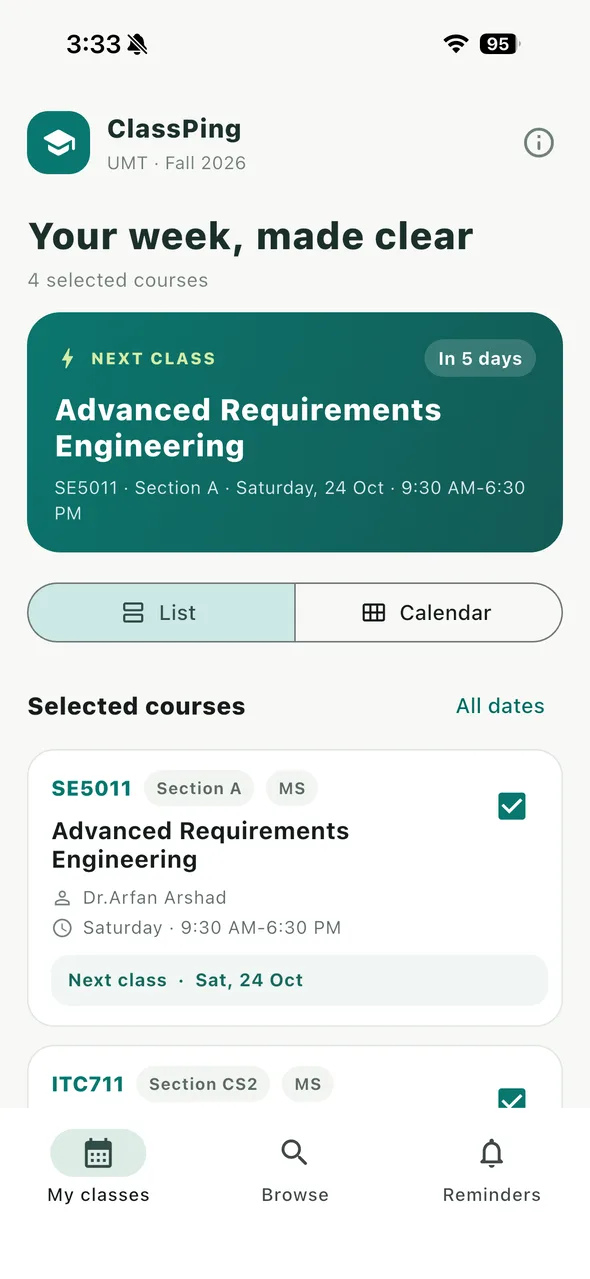
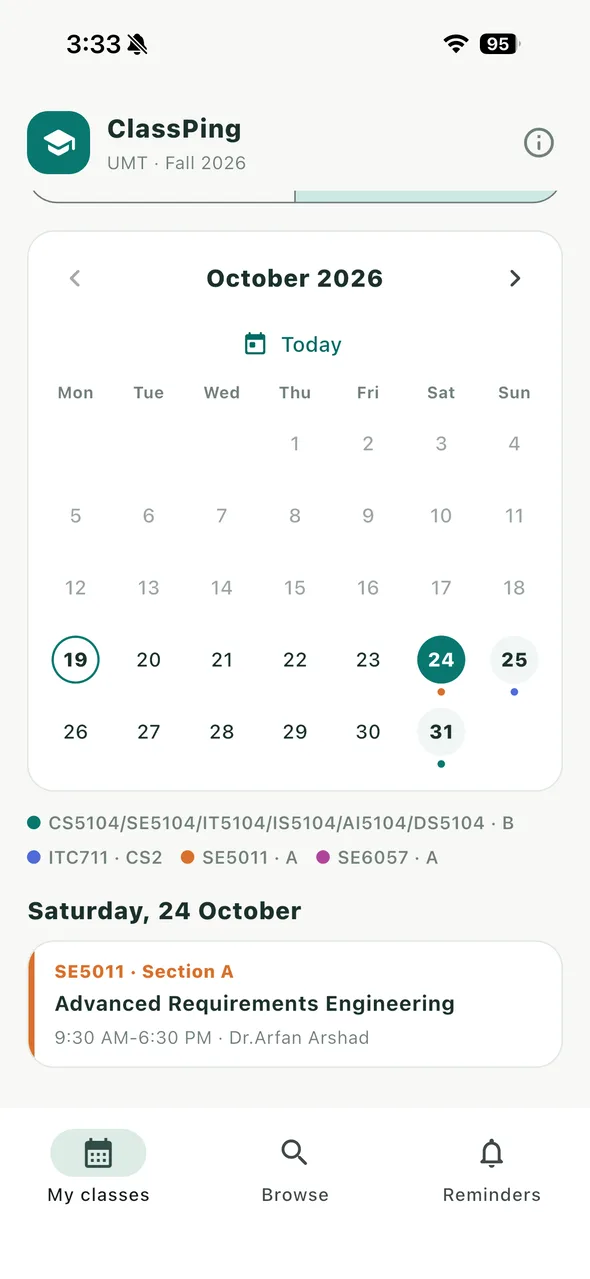
Your next class with a countdown, and My classes as a list or a month calendar, colour-coded by course.
Never miss a class
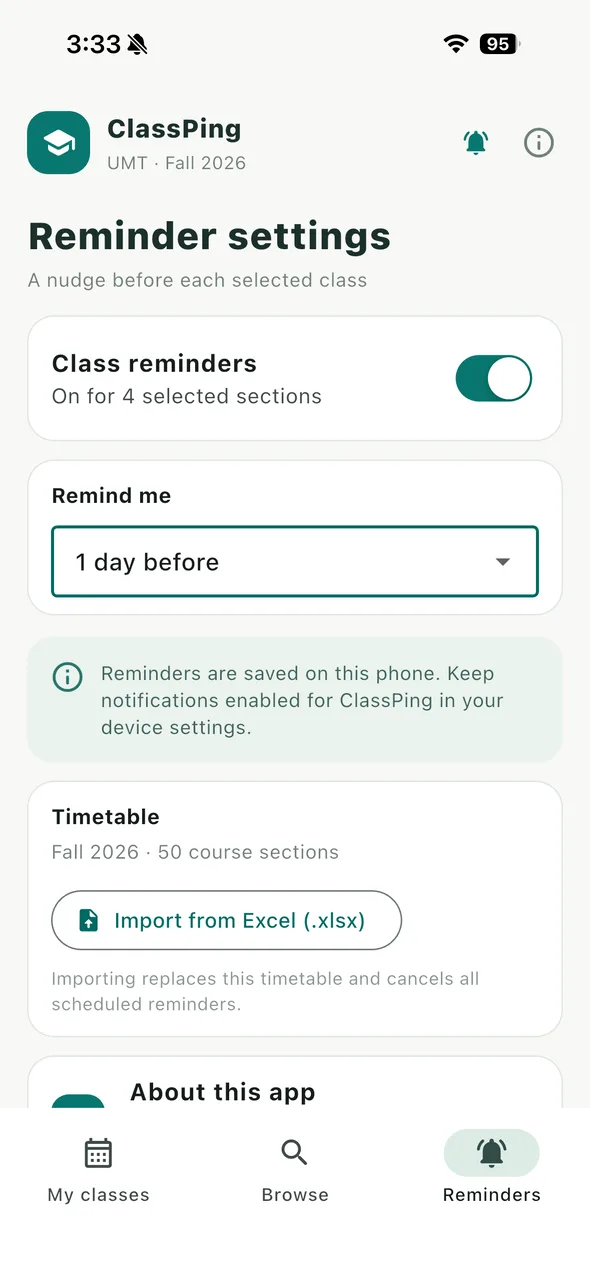
Reminders 15 minutes, 1 hour or 1 day before each class. They are scheduled on your phone, so they arrive without internet.
Works offline
The timetable is built into the app. No connection is needed to view classes or get reminders.
New semester? Import it
Load a new timetable from an Excel (.xlsx) file. The import stays on your phone and replaces the bundled timetable.
Private by design
No account, no ads, no analytics and no tracking. Your classes and settings never leave your phone.
Your data
There is no sign-in and no server. Your selected classes, reminder settings and any imported timetable are stored only on your phone. The app's only permission is notifications (plus starting at boot on Android, so reminders survive a restart). Read the full Privacy Policy.
Requirements
- iPhone or iPad with iOS 14 or later
- Android phone or tablet with Android 7.0 or later
- Free. No in-app purchases, subscriptions or ads.
Help
Answers to common questions (reminders that don't arrive, loading a new semester) are on the Support page. Found a wrong class date? Email contactus@aishayy.com with the course code and section.