
What I Learned Building a Calm, Privacy-First Kids App in Flutter

Short answer
Treat calm as a code requirement: one audio service that goes quiet when the child leaves, no streaks or countdowns. Design for COPPA, GDPR-K and the Kids Category from day one: local-first data, one shared parent gate, opt-in usage stats, no ads or purchases, and in-app deletion. Then pick a boring, well-tested stack.
Most apps are built to hold attention. The one I've spent the past year on was built to let it go.
OuchieSnuggles is a comfort and play app for children aged 2 to 10. Four cuddly friends, Kosmo the bear, Lily the hippo, Toby the puppy and Tulip the bunny, help little ones through the small bumps of growing up: a doctor visit, a first day somewhere new, a tricky bedtime. There are read-aloud picture-book stories, voiced breathing routines, a once-a-day feelings check-in, a memory garden and a handful of very gentle games.
I'm the developer behind it, building with PureMatrix Data Solutions for the team at OuchieCap. Here's what building for this age group taught me, in the hope it saves another Flutter developer a few weeks.
1. "Calm" is an engineering requirement, not a design adjective
The brief said calm. It took me a while to see that calm shows up in the code, not just in the colour palette.
- Audio stops when the child leaves. Every Comfort Corner routine talks the child through it, and it goes quiet the moment they navigate away. That sounds obvious until you have narration, background music and sound effects coming from three places. I ended up routing all of it through one
SoundServiceso nothing could keep playing after a screen was gone. - No streaks, no countdowns, no "come back or lose it". The memory garden grows day by day, but nothing withers if you skip a day.
- Bedtime means fewer things, not more. Stories have a sleep timer, and read-aloud keeps going with the screen locked, so a parent can put the phone down.
If you're building for small children, write "what happens when they walk away?" next to every feature. It catches more problems than any design review.
2. Word-by-word highlighting is worth the effort
Our stories are read aloud with each word highlighted as it's spoken. Early readers follow along, pre-readers just listen, and parents tell us it's the feature they notice first.
Getting it right meant treating the narration timing as data: the voice engine returns character-level timings with each recording, we cache them next to the audio, and the reader works out which word is being spoken from the audio player's position stream rather than its own timer. If a story has no timing data, narration still plays, just without the highlight. A separate clock drifts within a page or two; following the player doesn't. If you build something similar, test it on the slowest device you own, with the screen dimmed, halfway through a long book. That's where drift and dropped frames show up.
3. Privacy defaults decide the architecture
Kids apps live under rules that most apps never meet: COPPA in the US, GDPR-K in Europe, and Apple's Kids Category guidelines on the App Store. I found it much easier to design for them from day one than to bolt them on.
What that looks like in OuchieSnuggles:
- Local-first by default. The child's progress lives on the device (Hive). Nothing goes to the cloud unless a grown-up turns on cloud backup.
- A grown-up check before anything a child shouldn't decide. Settings, cloud backup, photos in the memory garden and data deletion all sit behind a parent gate. It's one shared, voiced route rather than a copy in each screen, so every grown-up area asks the same question in the same way.
- Usage stats are opt-in. During setup the grown-up is asked whether to share anonymous usage stats. It's off unless they say yes, it never includes the child's name or an advertising ID, and switching it off clears what was stored.
- No ads, no in-app purchases, no chat, no contact with strangers. Not "for now". These are product rules.
- Delete from inside the app. "Delete My Child's Data" removes everything, on the device and in the cloud.
One habit I'd recommend to anyone shipping to the Kids Category: keep a store-listing document where every privacy claim links to the file that backs it. When App Review sends the Guideline 1.3 questionnaire, you answer from evidence, not memory.
4. Words matter as much as code
Comfort apps sit close to health, and both app stores treat health claims seriously. We never say an app "relieves pain" or "treats anxiety". We say it's a comfort and play app that doesn't replace a doctor. Even the keywords were chosen with this in mind: worries, not anxiety.
The same care goes into the content. All stories and routines are written for ages 2 to 10: nothing dark, scary or violent, and the narrator reads exactly what's on screen so a child following along never hears different words from the ones they see.
5. The stack, for the curious
- Flutter / Dart 3 with a feature-first, Clean Architecture + MVVM layout
- Riverpod 3 (
Notifier/AsyncNotifier) for state and dependency injection - go_router for navigation and deep links
- Hive for local data, Firebase (Auth, Firestore, Storage, Functions, App Check) for opt-in backup and content
- just_audio + audio_service for narration and background playback
- flutter_gen for every asset, so a renamed file breaks the build instead of a screen
- One responsive scale (375×812 base) so the same layout works from a small phone to an iPad
None of this is exotic, and that's the point: a boring, well-tested foundation leaves room for the parts that matter to a four-year-old.
6. What I'd tell myself a year ago
- Put the parent gate, privacy switches and deletion in place before the fun features. Retro-fitting consent touches every layer.
- Test audio on real devices early. Background audio, interruptions (a phone call mid-story) and the lock screen behave differently on every OS version.
- Read the Kids Category guidelines once a quarter. They change, and reviewers notice.
OuchieSnuggles is available on the App Store and Google Play, and you can see more at ouchiesnuggles.com. The full project write-up is in the OuchieSnuggles case study. If you're building something for children and want to compare notes, I'm always happy to talk: get in touch.
Share this article
You Might Also Like
Scheduling Class Reminders in Flutter Around iOS's 64-Notification Limit
How ClassPing schedules a whole semester of class reminders offline with flutter_local_notifications: a 60-reminder rolling window under iOS's 64 cap, stable notification IDs, a serial scheduling queue, inexact Android alarms and reboot handling.
Read More →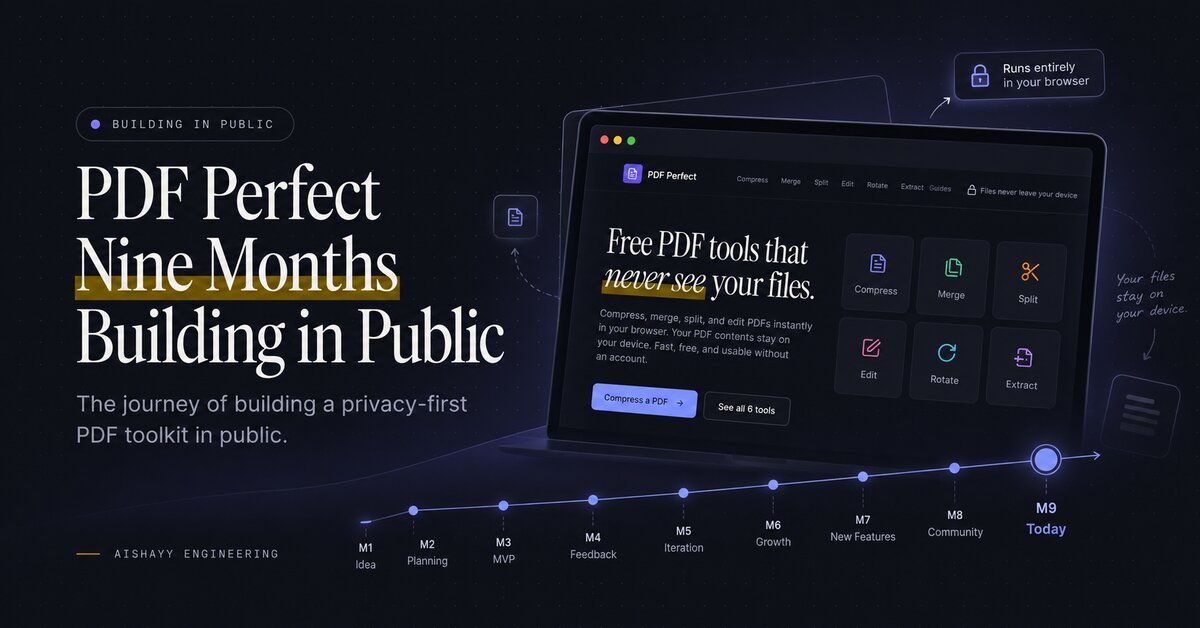
PDF Perfect, Nine Months On: What Shipped, What Broke and What I Got Wrong
An honest update on PDF Perfect, my free browser-based PDF toolkit: from three tools to six, compression moved into a Web Worker with a target-size mode, two production-only build bugs, and the privacy and marketing claims I had to take back.
Read More →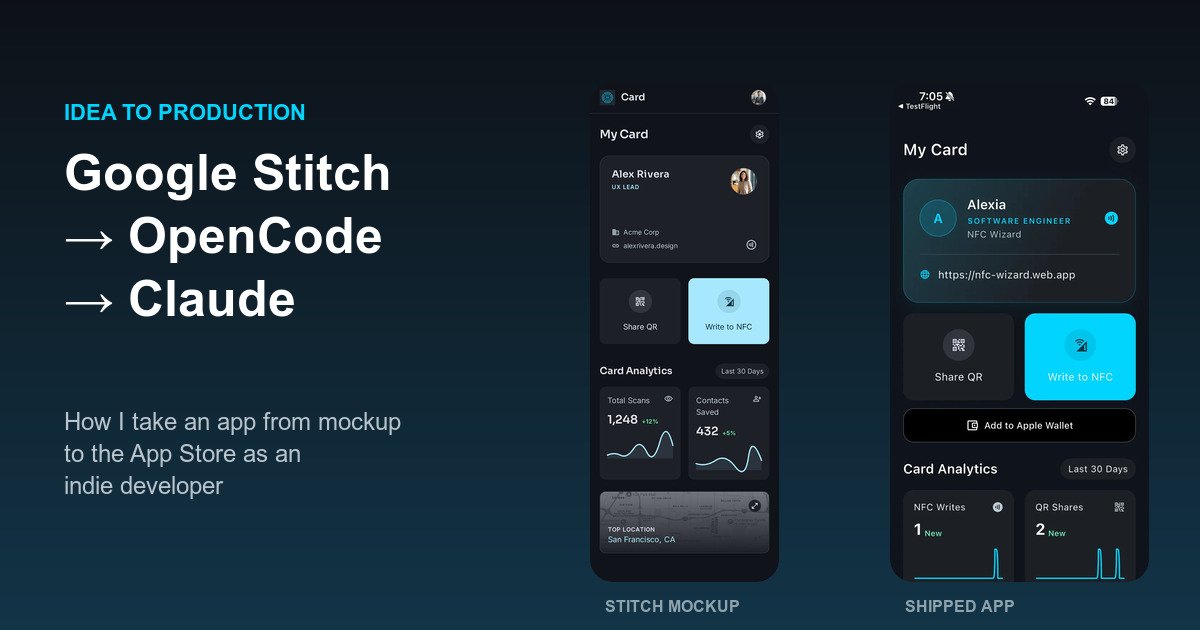
From Idea to the App Store as an Indie Developer: Google Stitch, OpenCode and Claude
How I take my own apps from idea to production on my own: Google Stitch for screens and a design system, OpenCode to turn the mockups into a Flutter UI, and Claude for the real implementation, from NFC protocols to store compliance. With NFC Wizard as the worked example.
Read More →